RoboNeo AI – The Creative Automation Studio
Turn prompts, photos, or brand assets into finished visuals faster. RoboNeo AI adapts to campaigns, product launches, marketing kits, and every new tool you ship next.
Powered by


All Tools
Explore RoboNeo AI's complete suite of image tools designed to help you create professional visuals effortlessly.
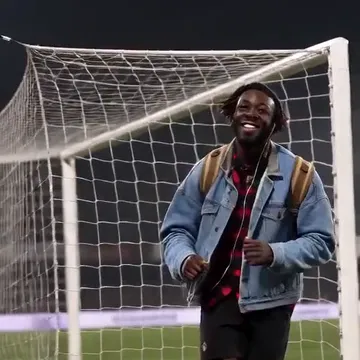
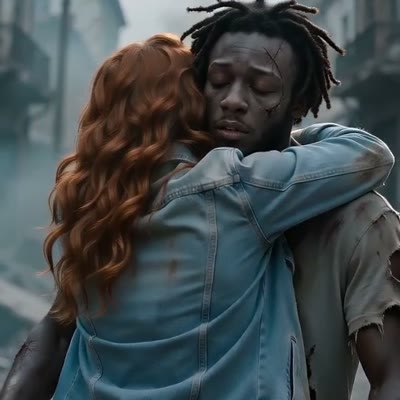
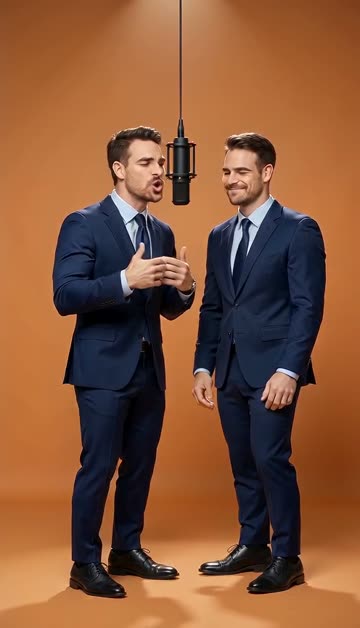
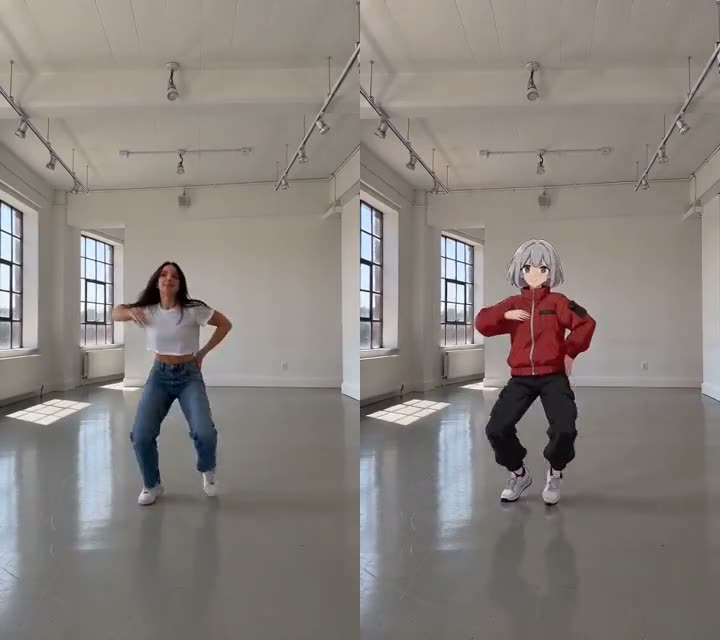
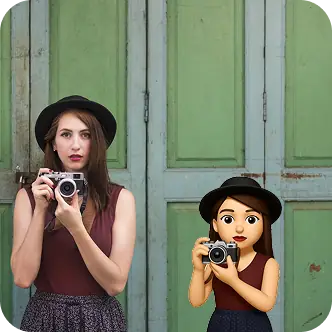
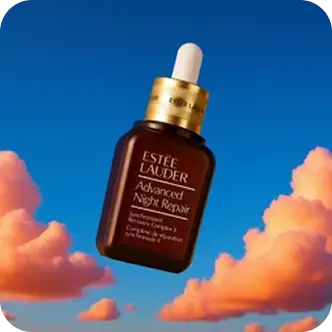
AI Supercharges Your Photo Creation with RoboNeo
Speed up your image workflow with RoboNeo AI—focused tools for Image to Sticker, Product Shots, AI Backgrounds, and Object Cleanup. Pre-tuned models automate styling, composition, and rendering to deliver clean, consistent results in seconds. Work directly in your browser with RoboNeo AI. Purchase credits to start, upgrade anytime.
Image to Sticker
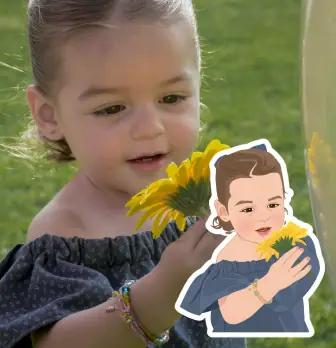
Turn any photo into an iOS-style 3D sticker with RoboNeo AI. Create clean outline and transparent PNG, ready for iMessage, WhatsApp, Telegram, and more — then animate it as a Live Photo with one click.
Create Sticker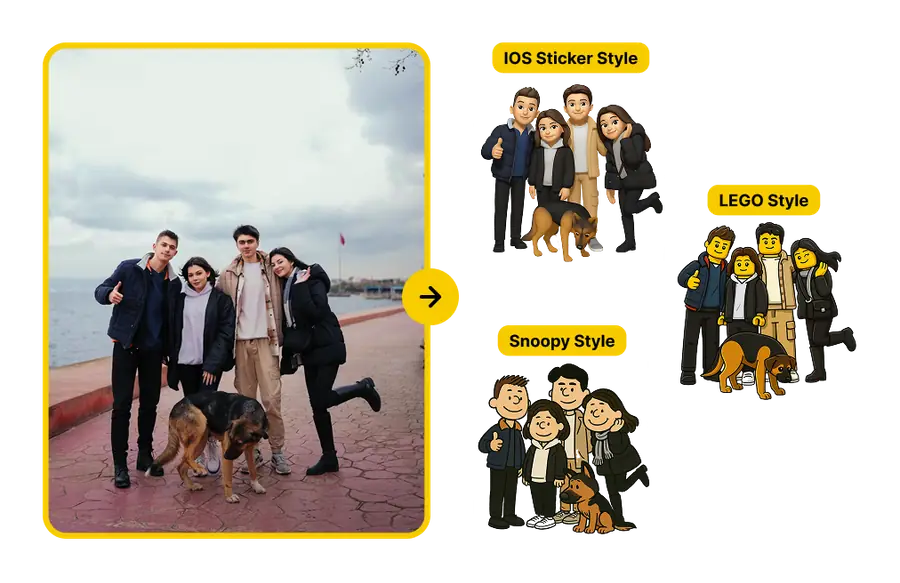
Product Shots
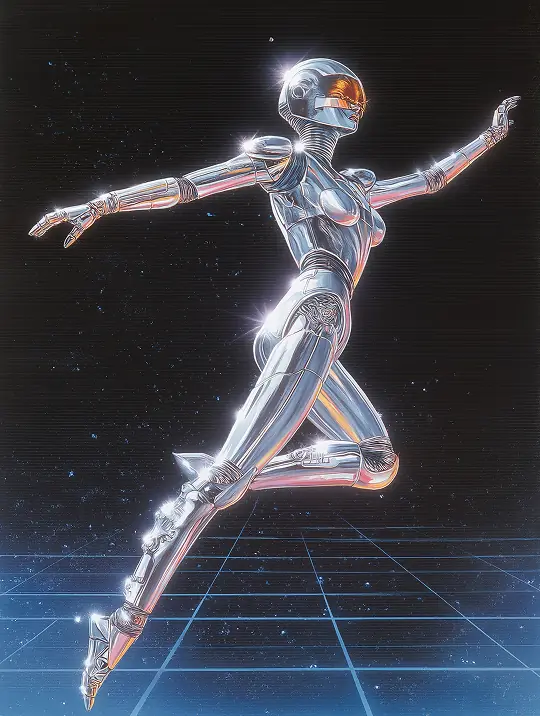
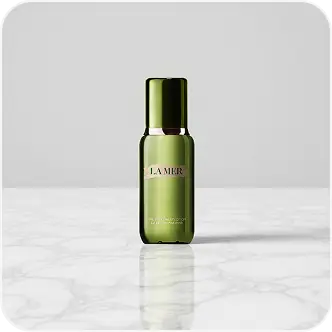
Generate studio-quality product photos with RoboNeo AI. Create lifestyle scenes from a prompt or reference image, perfect for ads, PDPs, and social posts. RoboNeo AI ensures consistent lighting and composition, right in your browser.
Generate Product Shot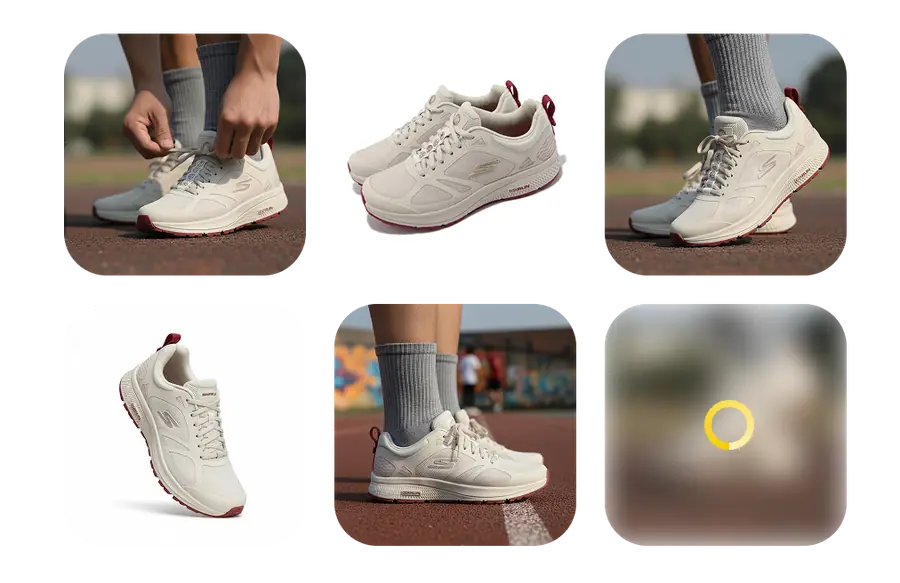
AI Backgrounds
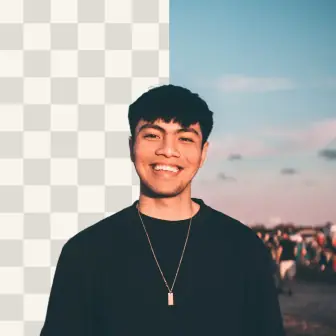
Place your subject against clean studio backdrops with RoboNeo AI. Create on-brand lifestyle settings with AI-generated backgrounds that match the scene's lighting and perspective. RoboNeo AI handles everything, no manual masking needed.
Create AI Background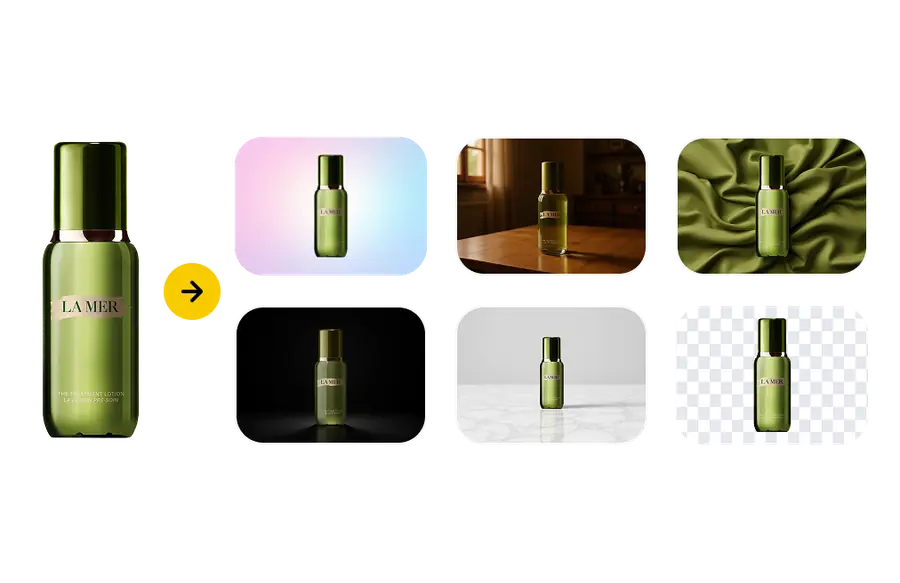
Profile Picture Maker
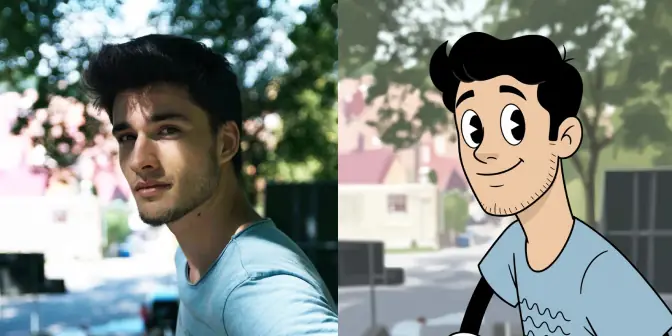
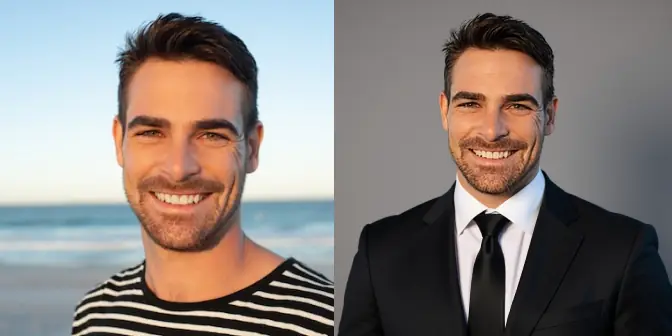
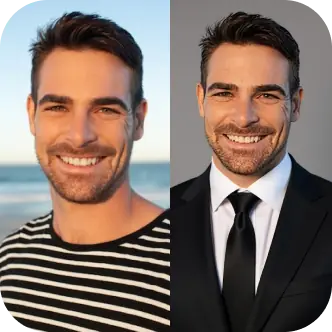
Turn any selfie into a polished, on-brand profile photo in seconds. RoboNeo AI adds gentle retouching, flattering lighting, and clean studio or brand-color backdrops. Generate a consistent set for LinkedIn, Instagram, X, and Discord with platform-ready crops.
Create Profile Picture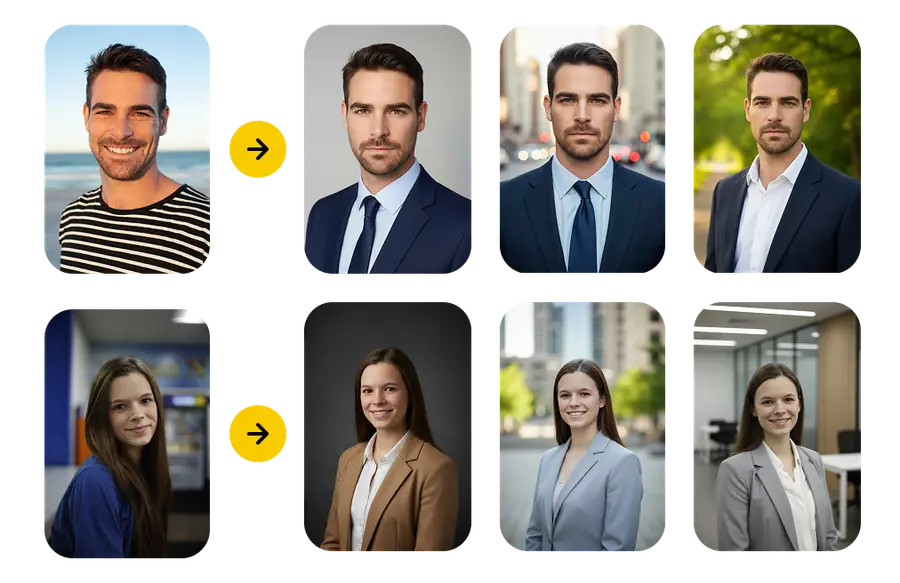
Scream AI
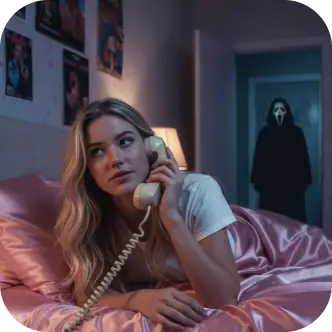
Drop any portrait into Scream AI and transform it into a Ghost Face inspired suspense still. Identity-safe prompts maintain expressions, while horror lighting, rain, and VHS texture dial up the tension for campaigns and storytellers.
Launch Scream AI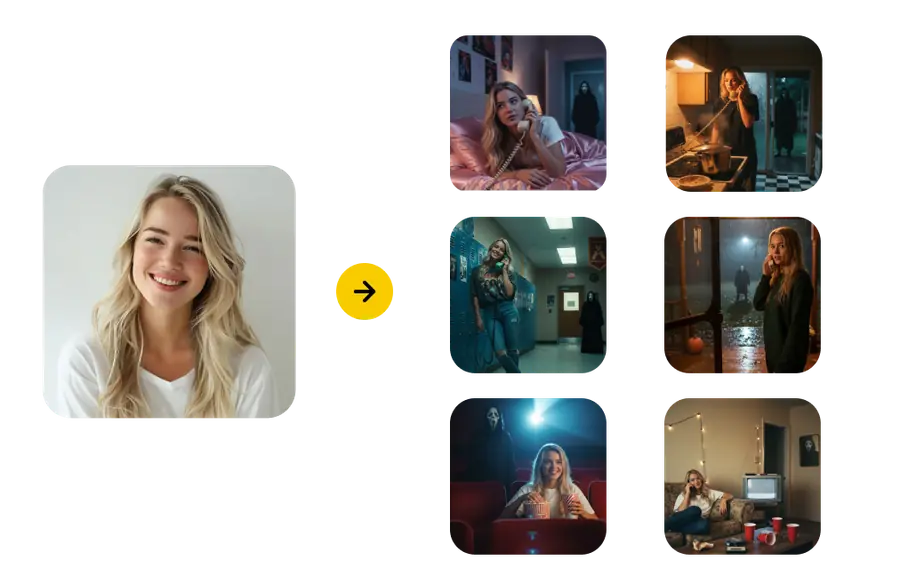
Pricing
Flexible plans with instant cancellation—upgrade only when you need more power.
Frequently Asked Questions
Get Answers to Your Questions About RoboNeo
How RoboNeo AI Works for Your Creative Workflow
RoboNeo AI is designed around four core creative workflows that address common visual content challenges. Each tool uses specialized AI models trained for specific tasks, ensuring optimal results for different types of image processing needs.
Our Sticker Maker automatically handles background removal and edge optimization with RoboNeo AI, converting any photo into a clean, transparent sticker suitable for digital use. The Product Studio generates multiple scene variations from product photos, helping businesses create diverse marketing materials from single source images.
The RoboNeo AI Background tool seamlessly replaces image environments while maintaining realistic lighting and perspective. Our Watermark Removal feature uses advanced algorithms to cleanly eliminate unwanted text or logos from images without leaving artifacts.
RoboNeo AI operates on a credit-based system where each successful generation consumes credits. This approach provides predictable costs and allows users to scale their usage based on actual needs. The platform supports various output formats and resolutions suitable for web, print, and digital marketing applications.
Whether you're a creator or business, RoboNeo AI delivers professional results every time.
Common RoboNeo AI Applications for Creative Professionals
Discover how different professionals integrate RoboNeo AI into their workflows for efficient visual content creation and enhanced productivity across various creative applications.
Content Creators
Use RoboNeo AI to build consistent brand assets for social media and community engagement.
- Create branded stickers for social media
- Generate profile pictures for multiple platforms
- Develop visual elements for community building
E-commerce Businesses
Leverage RoboNeo AI to transform limited product photography into diverse marketing materials.
- Generate multiple scene variations from single product photos
- Create lifestyle contexts without additional photo shoots
- Test different presentation styles for marketing campaigns
Marketing Professionals
Rapidly adapt existing imagery with RoboNeo AI for different contexts and platforms.
- Adapt campaign assets for different marketing channels
- Remove unwanted elements from licensed imagery
- Create variations suited to different platform requirements
Small Businesses
Create professional marketing materials with RoboNeo AI without design expertise or expensive services.
- Generate professional product presentations
- Create branded visual content for marketing
- Develop consistent visual identity across platforms
Latest from Our Blog
Tips, tutorials, and inspiration for creating amazing AI images.
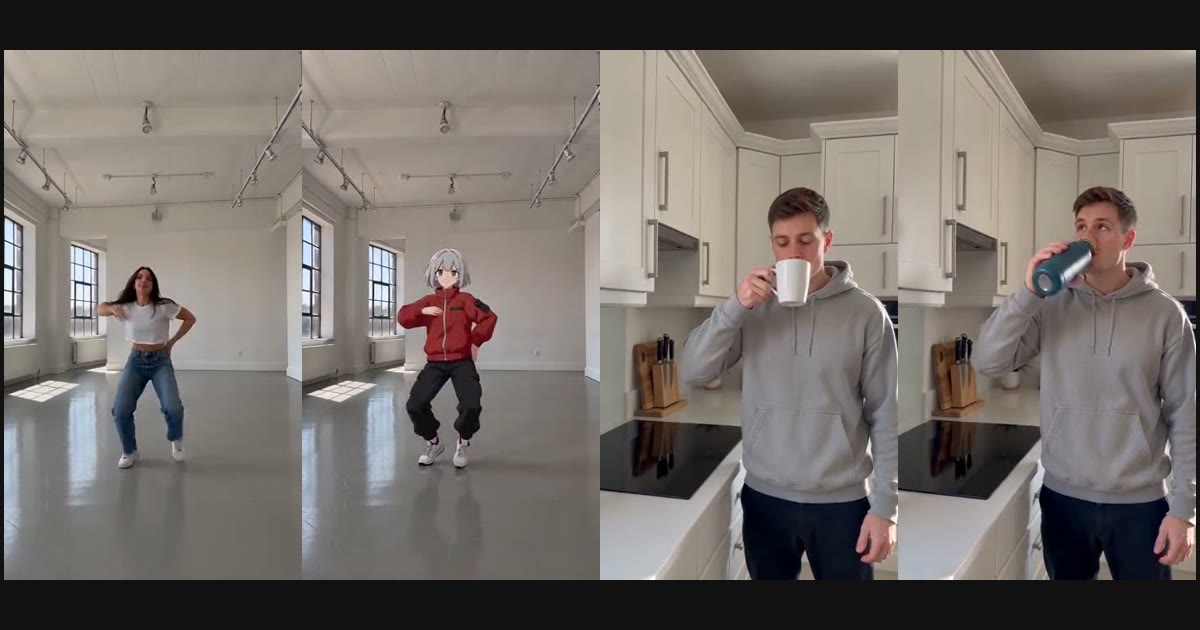
Higgsfield Genjutsu AI: How It Works, Is It Free, and a Free Alternative
What is Genjutsu AI? How Higgsfield Genjutsu's Motion Transfer and Object Swap work, which model powers it, what it costs, and how to try a Genjutsu AI generator free.
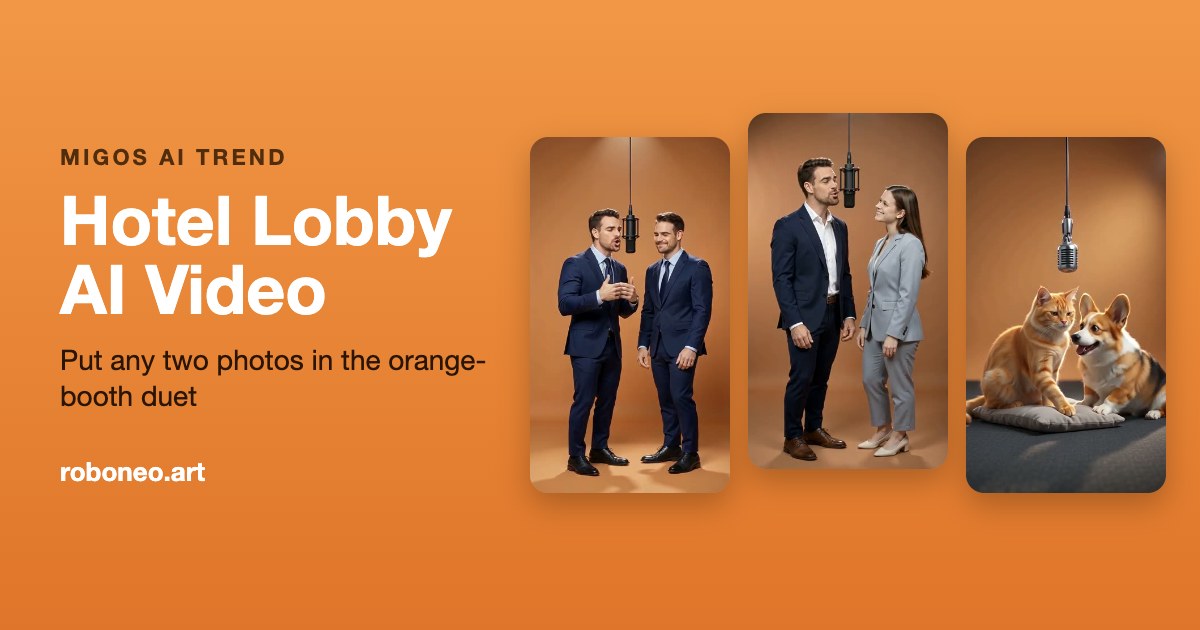
Migos AI Trend: What the Hotel Lobby AI Videos Are and How to Make One
What is the Migos AI trend? The story behind Quavo and Takeoff's Hotel Lobby performance, why everyone is remaking it with AI, and how to make your own Hotel Lobby AI clip from two photos.
Nano Banana 2 vs RoboNeo: Which Tool Wins?
Compare Nano Banana 2 and RoboNeo for profile photos, 3D stickers, and product imagery. See where each workflow wins.
Ready to create with RoboNeo AI?
Create a RoboNeo AI account, pick a credit pack or subscription, and start generating stickers, product shots, backgrounds, and more.